Checklist: spot hidden fee escalation clauses before you subscribe
You signed up for a SaaS tool at $29 per month. Six months later the invoice reads $39, and you never agreed to a price hike, or so you thought. Buried deep in

Photo by Tara Winstead from Pexels
You signed up for a SaaS tool at $29 per month. Six months later the invoice reads $39, and you never agreed to a price hike, or so you thought. Buried deep in the terms of service was a single sentence granting the vendor the right to raise prices "at any time, with or without notice." Fee escalation clauses like this are shockingly common, and they cost subscribers hundreds of dollars a year in unexpected charges.
This checklist will teach you exactly where these clauses hide, what language to watch for, and how to protect yourself before you click "Subscribe." Remember: the information here is educational and not legal advice.
TL;DR
- Fee escalation clauses let vendors raise your price mid-subscription, often without explicit consent.
- They hide behind vague phrases like "pricing subject to change," "reasonable adjustments," or "revised fee schedule."
- Always search the full terms document for keywords such as "price," "fee," "increase," "adjust," and "escalation."
- Set a calendar reminder 30 days before each renewal to re-read pricing sections.
- Use an automated tool like Terms Doctor to flag these clauses instantly across 101 consumer-protection checks.
Why fee escalation clauses matter

A fee escalation clause is any provision that allows a company to increase the price you pay after you have already agreed to the original amount. In a traditional lease or enterprise contract, escalation clauses are negotiated openly, both parties know the annual percentage increase up front. In consumer SaaS terms, however, the clause is often one-sided: the vendor reserves the right to change pricing whenever it wants, and your continued use of the service counts as acceptance.
The financial impact adds up quickly. Imagine five tools in your stack each raising prices by 15 % once a year. On a combined base of $200 per month, that is an extra $360 in year one alone, and the increases compound. For freelancers and small teams operating on tight margins, that can be the difference between profit and loss.
Beyond the money, hidden fee escalation erodes trust. When a vendor can change the deal after you have committed your data, workflows, and integrations to their platform, you lose negotiating power. Understanding these clauses before you subscribe keeps you in control.
Key takeaway: A single sentence buried in a terms page can legally authorize unlimited price increases, reading it before you subscribe is the only reliable defense.
The 5 most common disguises for fee escalation

Fee escalation rarely announces itself with a bold heading. Instead, it blends into surrounding boilerplate. Here are the five patterns you will encounter most often:
- "Pricing subject to change", The classic catch-all. It appears in a general "Changes to Terms" section rather than under pricing, so you skip right past it.
- "We may adjust fees upon renewal", Slightly more specific, but it still gives the vendor unlimited discretion over the size of the increase and the notice period.
- "Reasonable price adjustments reflecting cost increases", Sounds fair, but "reasonable" is never defined. The vendor decides what counts.
- "Revised fee schedule posted on our website", This shifts the burden to you. If you do not check a separate pricing page before every renewal, you have implicitly accepted the new rate.
- "Continued use constitutes acceptance of updated pricing", The most aggressive version. No email, no pop-up, just using the app after a silent update means you agree.
Your step-by-step fee escalation checklist
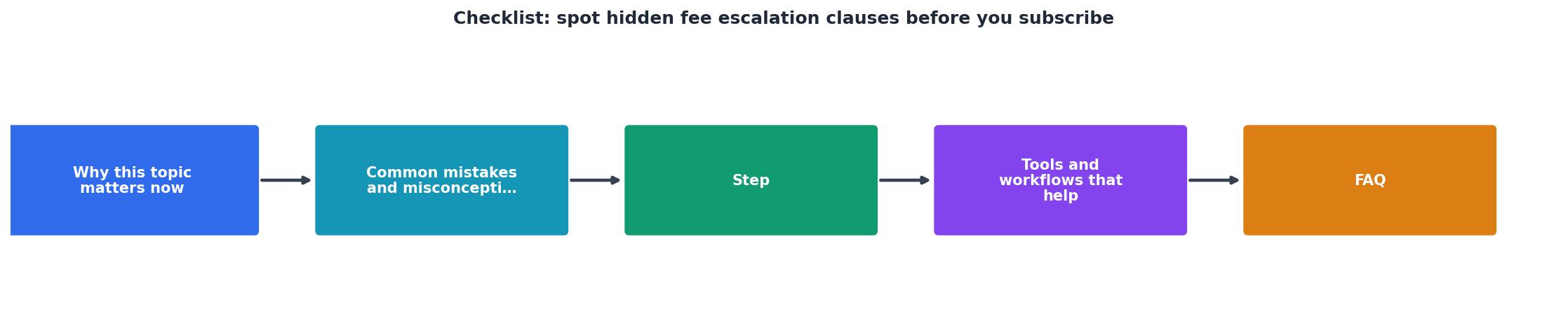
Follow these steps every time you evaluate a new subscription. Print this list or bookmark the page so it is always within reach.
Fee Escalation Pre-Subscribe Checklist
Your progress is saved automatically in your browser.
Each step takes only a minute or two. The entire process should not exceed fifteen minutes, even for a lengthy terms document. That small investment can save you from surprise charges down the road.
Red flags that demand extra scrutiny
Not every fee escalation clause is equally dangerous. Some vendors offer genuine protections, a 60-day email notice, a price-increase cap tied to the Consumer Price Index, and a penalty-free cancellation window. Others offer none of those safeguards. Here is a quick red-flag list to help you rank the risk:
- 🚩 No notice period at all, the vendor can raise prices effective immediately.
- 🚩 Notice only via website posting, you will never see it unless you check proactively.
- 🚩 No cancellation right upon price change, you are locked in at the higher rate.
- 🚩 "Sole discretion" language, the vendor explicitly states it does not need your consent.
- 🚩 Escalation clause buried in a "Miscellaneous" or "General" section, deliberate obfuscation.
How Terms Doctor automates the hunt
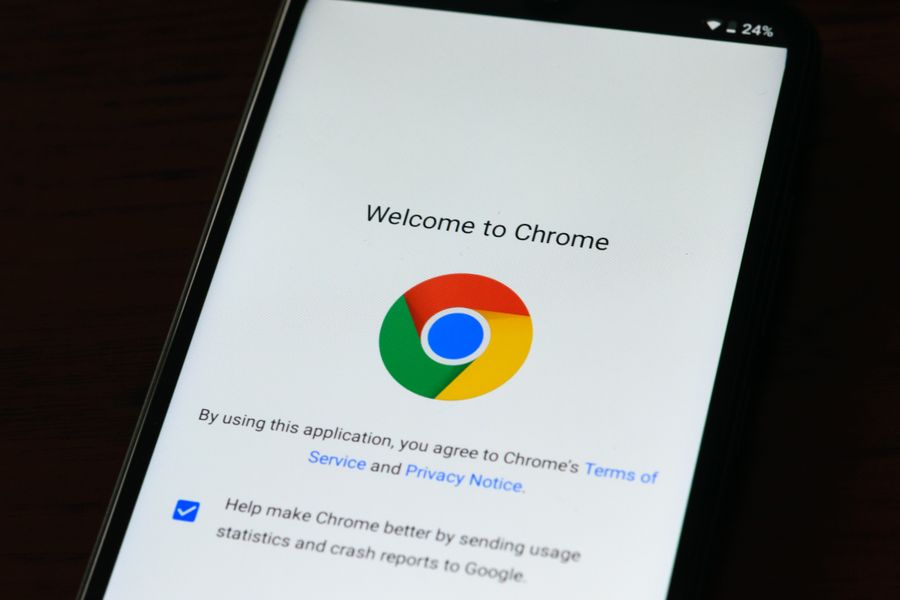
Manual keyword searches work, but they rely on you remembering every possible synonym and reading every paragraph carefully. Terms Doctor removes that burden. Here is how it helps with fee escalation specifically:
- Automatic ToS discovery, visit any website and the extension finds the terms page for you. No hunting through footer links.
- 101 consumer-protection checks, the scanner looks for fee escalation, forced arbitration, AI training on your data, auto-renewal traps, and dozens of other issues in one pass.
- A-F grading, you get an instant letter grade so you can compare vendors side by side before committing.
- Red-flag highlights, problematic clauses are called out in plain language, so you know exactly what each one means for your wallet.
- Change tracking, if a vendor updates its terms after you subscribe, Terms Doctor can alert you to the differences, including new or modified pricing language.
Protecting yourself after you subscribe
Spotting the clause before you subscribe is step one. Staying protected afterward requires ongoing vigilance:
- Set a calendar reminder 30 days before each renewal date. Use that window to re-read the pricing section and check for any posted changes.
- Keep a terms archive. Save a PDF of the terms on the day you subscribe and after every update notification. This creates a paper trail if you ever need to dispute a charge.
- Enable email notifications from the vendor. Many services let you opt in to product and policy updates. Turn those on, they are your early-warning system.
- Use Terms Doctor's change tracking. The extension can compare the current version of a terms page against a previous snapshot, highlighting exactly what changed.
- Know your chargeback rights. If a vendor raises your price without the notice required by its own terms, your credit card issuer may reverse the charge. Document everything.
Frequently Asked Questions
Take control before you click "Subscribe"
Fee escalation clauses thrive on inattention. The vendors that use them are counting on the fact that most people never read past the first paragraph of a terms page. Now that you know exactly what to look for, and you have a repeatable checklist to follow, you are no longer most people.
For an even faster workflow, install the free Terms Doctor browser extension. It finds the terms page, runs 101 consumer-protection checks (including fee escalation), and gives you a clear A-F grade, all before you enter your credit card number. Available for Chrome, Edge, Brave, Opera, and Vivaldi.
Ready to Read Terms Before You Sign?
Terms Doctor finds terms of service on any site and grades them A-F in seconds.
Get Started“Terms Doctor flagged forced arbitration and AI training clauses in seconds. I finally know what I am agreeing to.”
Privacy-conscious shopper