DPA review checklist for marketplaces teams
If you run a marketplace, or even just buy SaaS tools through one, every vendor relationship that touches personal data needs a Data Processing Agreement (DPA).


Photo by Kindel Media from Pexels
If you run a marketplace, or even just buy SaaS tools through one, every vendor relationship that touches personal data needs a Data Processing Agreement (DPA). The problem is that most DPAs are 15-page PDFs stuffed with legalese, and marketplace teams rarely have in-house counsel sitting next to them during procurement. This checklist turns the review into a repeatable, step-by-step process you can finish in under an hour.
TL;DR
- A DPA is legally required under GDPR Article 28 whenever a processor handles personal data on your behalf.
- Missing or incomplete DPAs expose your marketplace to fines of up to EUR 10 million (lower tier) or 2 % of global turnover.
- This checklist covers the 12 essential clauses every marketplace team should verify before signing.
- Automated tools like Terms Doctor can flag red-flag clauses in vendor terms before you even open the DPA.
- A DPA review is not a one-time task, schedule re-reviews whenever the vendor updates its terms.
Why marketplace teams need a DPA review process
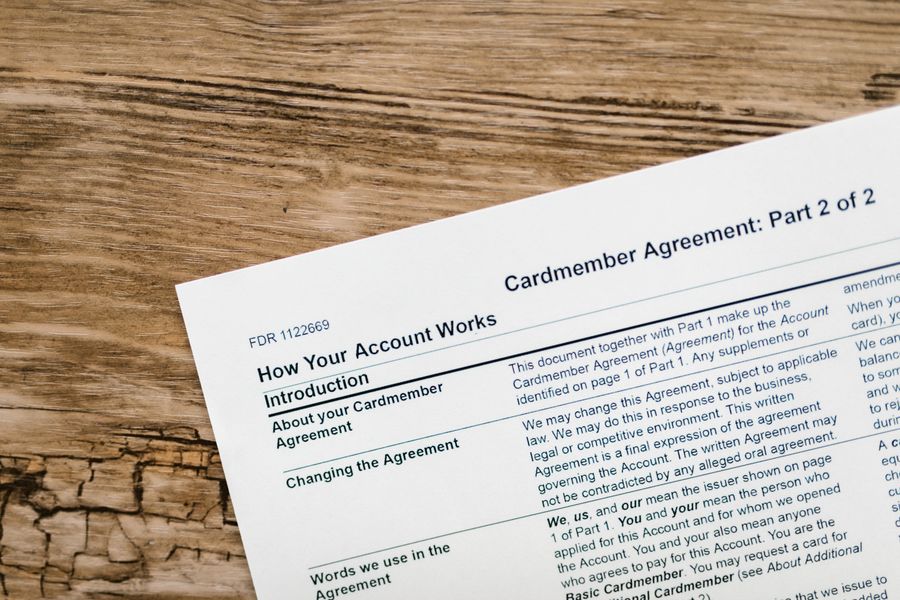
Marketplaces sit in a unique position in the data-processing chain. You are typically the controller (you decide why and how personal data is processed), while each vendor, payment gateway, analytics provider, or fulfilment partner acts as a processor. Under GDPR Article 28, the controller must have a written contract, the DPA, with every processor. No exceptions.
Without a proper DPA in place, your marketplace is non-compliant from day one. Regulators do not need to prove that a data breach occurred; the mere absence of a compliant DPA is itself a violation. For marketplace teams juggling dozens of vendor relationships, this risk multiplies fast.
Common scenarios where a DPA is required include:
- A third-party payment processor handling buyer credit-card data.
- A customer-support tool storing buyer names, emails, and order histories.
- An analytics or personalisation vendor receiving browsing behaviour from your marketplace.
- A cloud-hosting provider storing your marketplace database that contains seller and buyer PII.
- A shipping or logistics partner receiving delivery addresses.
The 12-point DPA review checklist
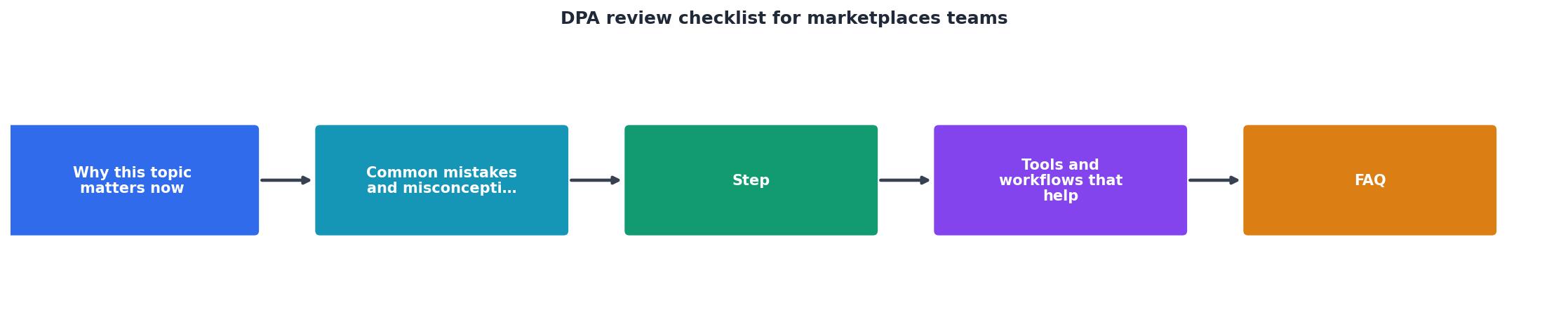
Use this checklist every time you onboard a new vendor or renew an existing contract. Print it, paste it into your project-management tool, or save it as a template.
DPA Review Checklist for Marketplace Teams
Your progress is saved automatically in your browser.
"A DPA missing any of these is not Article 28 compliant, which is itself a breach exposed to fines up to EUR 10 million or 2 percent of global turnover under the lower tier (GDPR Article 28, EUR-Lex).">, DPA Review Field Guide for In
How to run a DPA review: step by step

Below is a practical workflow you can adopt today. It assumes you do not have a dedicated legal team, just a marketplace operations or compliance lead.
- Gather all vendor agreements. Export a list of every active vendor, SaaS tool, and integration from your procurement or finance system. For each, note whether a DPA already exists.
- Prioritise by data sensitivity. Rank vendors by the volume and sensitivity of personal data they process. Payment processors and CRM tools usually sit at the top; a font-hosting CDN sits at the bottom.
- Request the vendor's standard DPA. Most established SaaS vendors publish a DPA on their website (often under "Legal" or "Trust Center"). Download it and save it with a date stamp.
- Walk through the 12-point checklist above. Open the DPA side by side with the checklist. Mark each item as present, partially present, or missing. Use colour coding: green, amber, red.
- Flag red-flag clauses. Watch for language that allows the processor to use data for its own purposes, limits liability for breaches to an unreasonably low cap, or silently permits unlimited sub-processors without notice.
- Negotiate or escalate. For any amber or red items, draft a short email to the vendor requesting amendments. If the vendor refuses to budge on critical points (e.g., no audit rights at all), escalate internally before signing.
- Sign and store centrally. Once the DPA is satisfactory, countersign and store it in a central contract repository. Tag it with the review date and the next scheduled review date.
- Set a re-review cadence. At minimum, re-review every DPA annually or whenever the vendor notifies you of a terms update. Tools like Terms Doctor can alert you when a vendor's terms of service change, which often signals a DPA update too.
Red flags to watch for in vendor DPAs

Not all DPAs are created equal. Some vendors offer a DPA that technically exists but is riddled with loopholes. Here are the most common red flags marketplace teams encounter:
- Blanket sub-processor permissions. The DPA says the processor "may engage sub-processors at its discretion" without any notification or objection mechanism. This violates Article 28(2) GDPR.
- Vague security measures. Instead of listing specific TOMs, the DPA says the processor will implement "commercially reasonable" security. That phrase is nearly meaningless in a regulatory investigation.
- No breach-notification deadline. The DPA requires notification "as soon as practicable" but sets no hard deadline. Best practice is 24–48 hours; anything beyond 72 hours puts your own notification obligation to the supervisory authority at risk.
- Data retention after termination. Some DPAs allow the processor to retain personal data for "legitimate business purposes" after the contract ends. This can include marketing analytics or model training, exactly what you want to prevent.
- Liability caps that exclude data-protection breaches. A vendor may cap its total liability at the fees paid in the last 12 months but carve out nothing for data-protection violations. If a breach costs your marketplace millions, you could be left holding the bill.
- No audit rights or "audit by report only." Some vendors offer only a SOC 2 report as a substitute for audit rights. While SOC 2 is valuable, GDPR Article 28(3)(h) explicitly requires the right to conduct audits and inspections. A report alone may not satisfy a regulator.
- Silent international transfers. The DPA does not mention where data is stored or processed. If the vendor uses cloud infrastructure in the US or other non-EEA countries, you need an explicit transfer mechanism.
Keeping your DPA register up to date
A completed review is only useful if you maintain it. Marketplace teams should keep a simple DPA register, a spreadsheet or database, with the following columns:
- Vendor name
- Service description
- Data categories processed
- DPA version and date signed
- Next review date
- Review status (compliant / needs update / expired)
- Link to stored DPA document
Automated change-tracking tools make this far easier. Terms Doctor, for example, monitors terms-of-service pages for changes and alerts you when wording shifts. While it does not replace a full legal review of the DPA itself, it acts as an early-warning system so you never miss a critical update.
FAQ
Frequently Asked Questions
Let Terms Doctor do the first pass
Reviewing DPAs is essential, but it does not have to start from scratch every time. Install the free Terms Doctor extension for Chrome, Edge, Brave, Opera, or Vivaldi, and let it automatically find and grade vendor terms of service with its A-F scale and 101 consumer-protection checks. You will spot data-sharing red flags, forced-arbitration clauses, and auto-renewal traps before you even open the DPA, saving your marketplace team hours of manual reading.
Disclaimer: This article is for informational purposes only and does not constitute legal advice. Always consult a qualified legal professional for compliance decisions.
Additional Resources
- DPA Review Field Guide for In-House Counsel - A DPA review checklist for in-house counsel runs 15 items: sub-processor disclosure, approval rights, data residency, audit rights, breach ...
- Reviewing a DPA: Complete Checklist - DPA review 1. Missing or outdated playbooks and standards 2. Lengthy and technically complex contracts 3. Time pressure during onboarding 5. ...
- TrustMark™ DPA: Certifying Data Privacy for Faster Deals - TrustMark™ DPA is an independent certification program that evaluates Data Processing Agreements (DPAs) against real-world market standards ...
Ready to Read Terms Before You Sign?
Terms Doctor finds terms of service on any site and grades them A-F in seconds.
Get Started“Terms Doctor flagged forced arbitration and AI training clauses in seconds. I finally know what I am agreeing to.”
Privacy-conscious shopper